
01 · Pick a game.
Open Studio and choose a template. Try ORBIT GLOW first: its planets and start position give you something to change straight away.

For your next game idea
Maybe your favourite level needs one more planet. Or a particularly awkward bend. Open an existing game in DAYBUN Studio, build a level and try your changes.
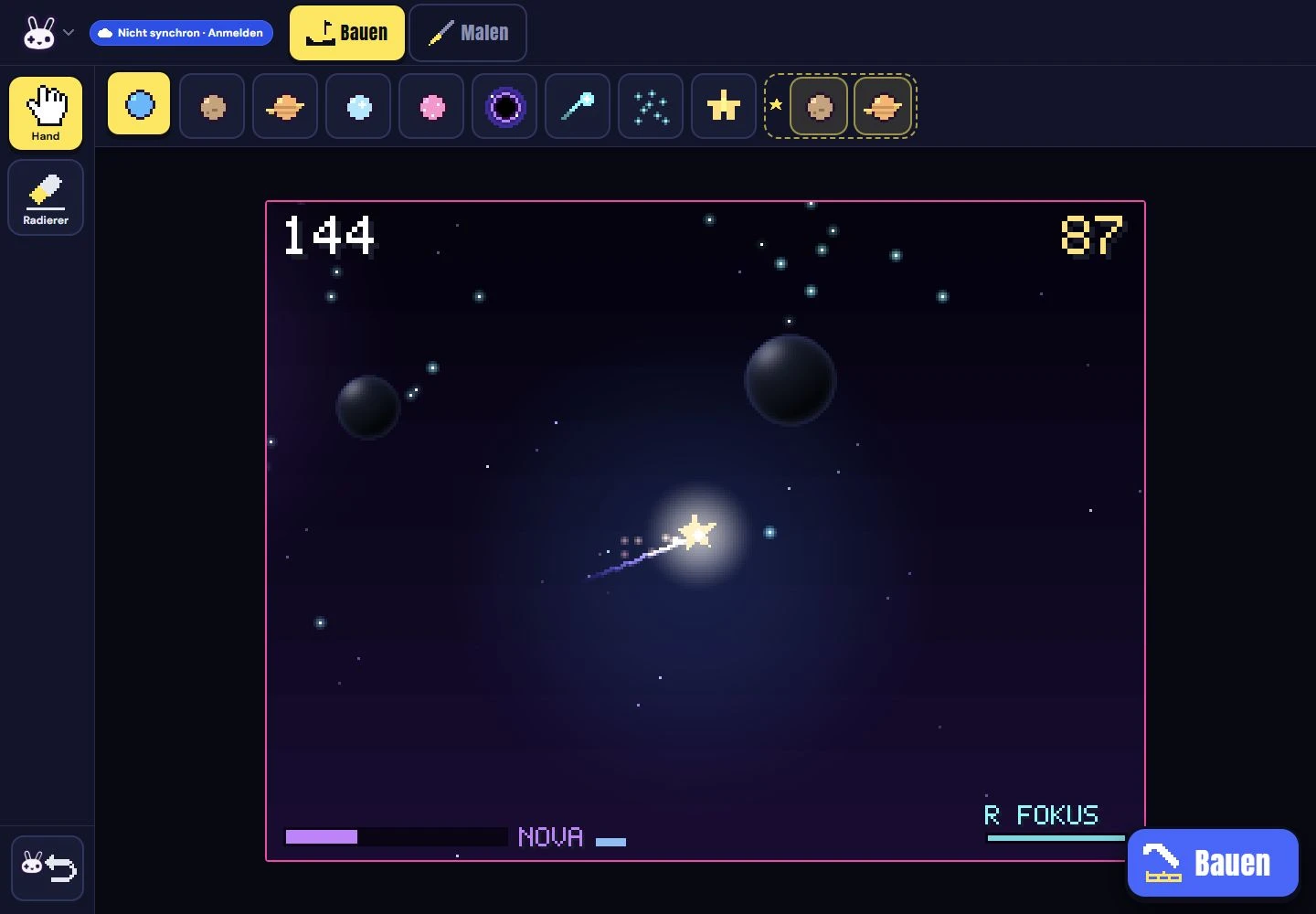
The browser Studio is public. Projects can stay in your browser; export a ZIP regularly to keep a backup. Community features are still being tested.
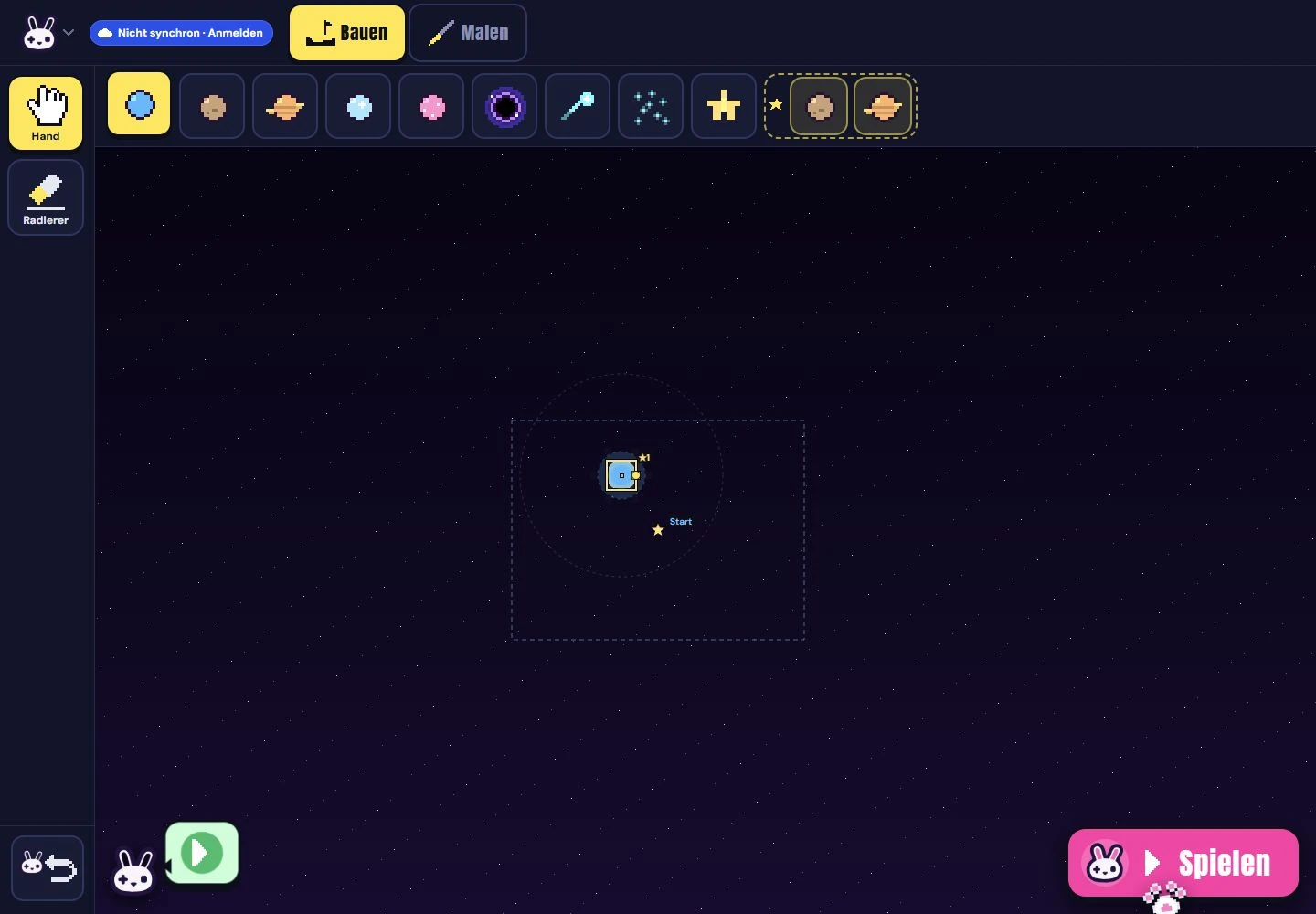
Current browser Studio captures: a planet added in the level editor on the left, a running ORBIT GLOW preview on the right. Captured 2 October 2026.
Open Studio and choose a template. Try ORBIT GLOW first: its planets and start position give you something to change straight away.
Move a planet or place an obstacle. Simple mode focuses on building and drawing. Pro mode also gives you access to the Lua code.
Test your change in the built-in game. Too difficult? Move the obstacle and try again. You don’t need a console.
Browser projects are saved locally. Export a ZIP as a backup. Accounts and device connections are separate features; the verified path to publishing a daily game is still being built.
Use an assistant for code or ideas if you like. Games stay editable. You don’t need an AI assistant or coding skills to play.
DAYBUN
You can try the games today. No console or account needed.